
EagleCast TV – Best IPTV Setup Guide
Setting up IPTV takes about 15 minutes on any device: get your login, install a player app, sign in. Here are the exact steps for Firestick, Android TV, Smart TVs, Apple and PC.
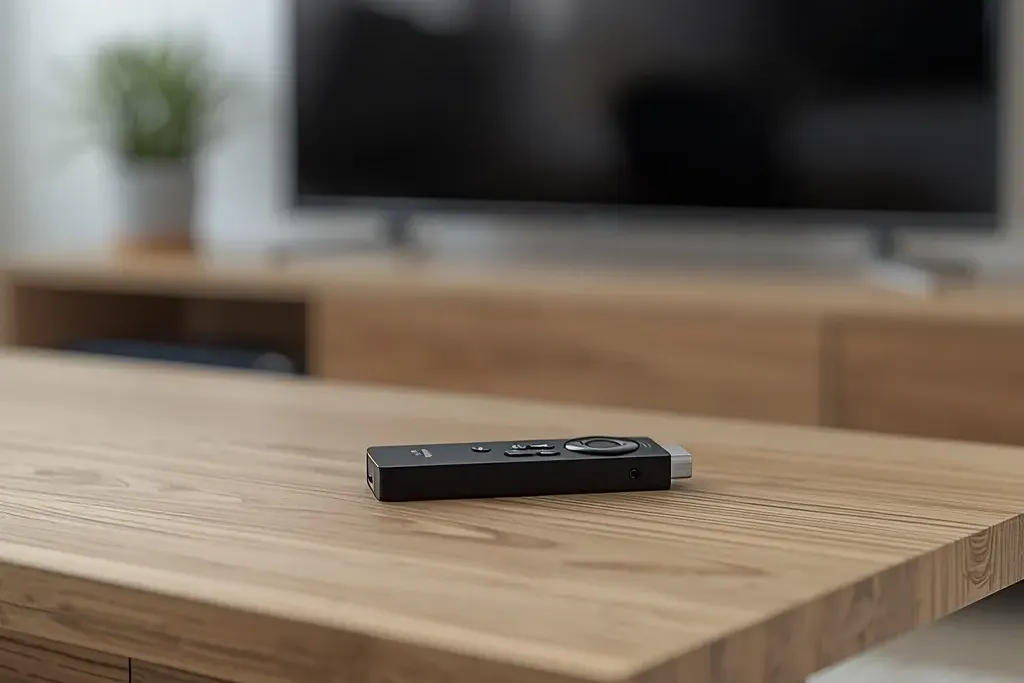
How do I set up IPTV? The 5 steps
- Get your login. Subscribe or request a free trial on WhatsApp. You receive an Xtream Codes login (server, username, password) and an M3U link.
- Install a player app. Install the IPTV player recommended for your device from its app store, or with Downloader on Fire TV.
- Enter your login. Open the player, choose Xtream Codes login and enter the server, username and password exactly as sent.
- Load channels and guide. Wait a minute while the app loads channels, VOD and the TV guide.
- Optimize playback. Use Ethernet if possible, leave the resolution on automatic and favorite the channels you watch most.
Before you start, check that the TV gets a solid connection: around 25 Mbps for 4K. Our guide to internet speed for IPTV shows how to measure it.
Set up IPTV on Amazon Fire TV Stick and Fire TV
Enable apps from unknown sources in Settings › My Fire TV › Developer Options, install Downloader from the Appstore, then use it to install the player with the code we send. Amazon's Fire TV device specifications list which models support 4K. Full walkthrough: how to install IPTV on a Firestick.
Set up IPTV on Android TV, Google TV and Nvidia Shield
Install the player from Google Play, or sideload it if it isn't listed. Google explains how to add apps on Google TV. Then sign in with your Xtream Codes login.
Set up IPTV on Samsung and LG Smart TVs
Open the Samsung Smart Hub or the LG Content Store, search for a compatible IPTV player, install it and enter your login. If your TV is older than about five years, a Firestick will usually give a smoother experience.
Set up IPTV on Apple TV, iPhone and iPad
Install an IPTV player from the App Store and add your login or M3U link. If you're setting up a new box, Apple's Apple TV setup guide covers the basics first.
Set up IPTV on Windows, Mac and Android phones
Install a desktop or mobile IPTV player, add the M3U link or Xtream Codes login, and you're done. Phones count as a connection while playing.
Something not working?
Nine times out of ten, a freezing picture is a Wi-Fi issue; our IPTV buffering fixes cover each cause. Otherwise, message support on WhatsApp with your device model and a photo of the error.
Need a login to get started?
Ask for a free 24-hour trial, or pick a plan; your login arrives in minutes.
Try EagleCast TV free for 24 hours
No credit card, no commitment. Check your local channels, your team and the picture quality on your own TV first.