
EagleCast TV – Best IPTV for Firestick
The Amazon Fire TV Stick is the easiest way to get EagleCast TV on any TV with an HDMI port. Install the player, sign in, and watch 24,000+ channels in 4K.
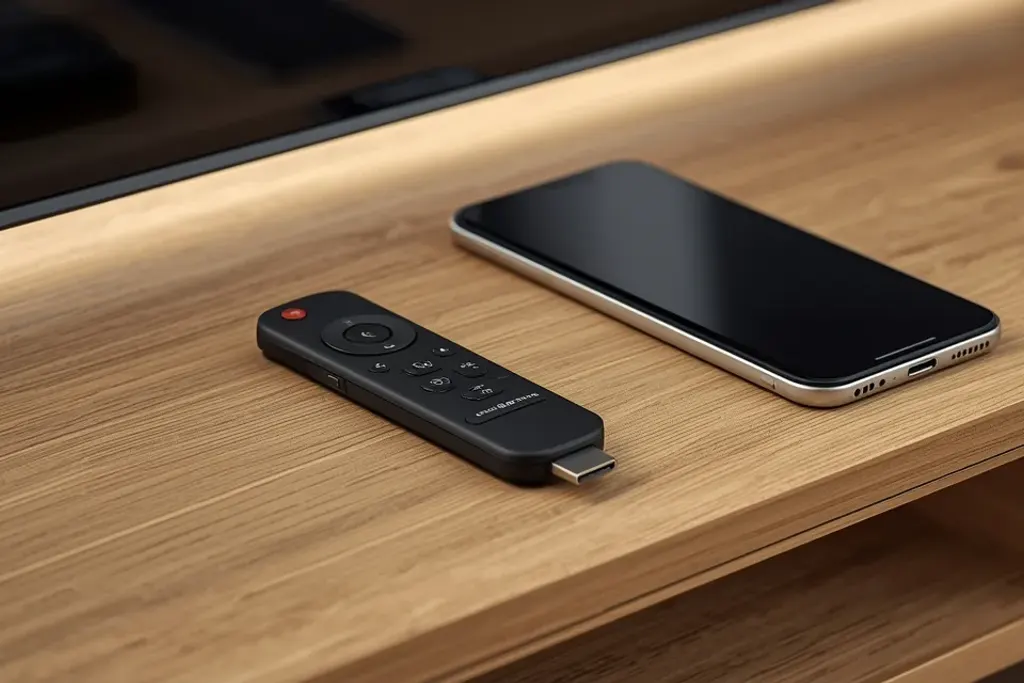
How do I install IPTV on a Firestick?
Allow apps from unknown sources, install Downloader, use it to install the player with our code, then enter your login. Amazon documents sideloading in its Fire TV developer guide.
- Settings › My Fire TV › Developer Options
- Install Downloader from the Appstore
- Enter the code we send on WhatsApp
- Sign in with your EagleCast TV login
Screenshots and every detail: step-by-step Firestick IPTV guide.
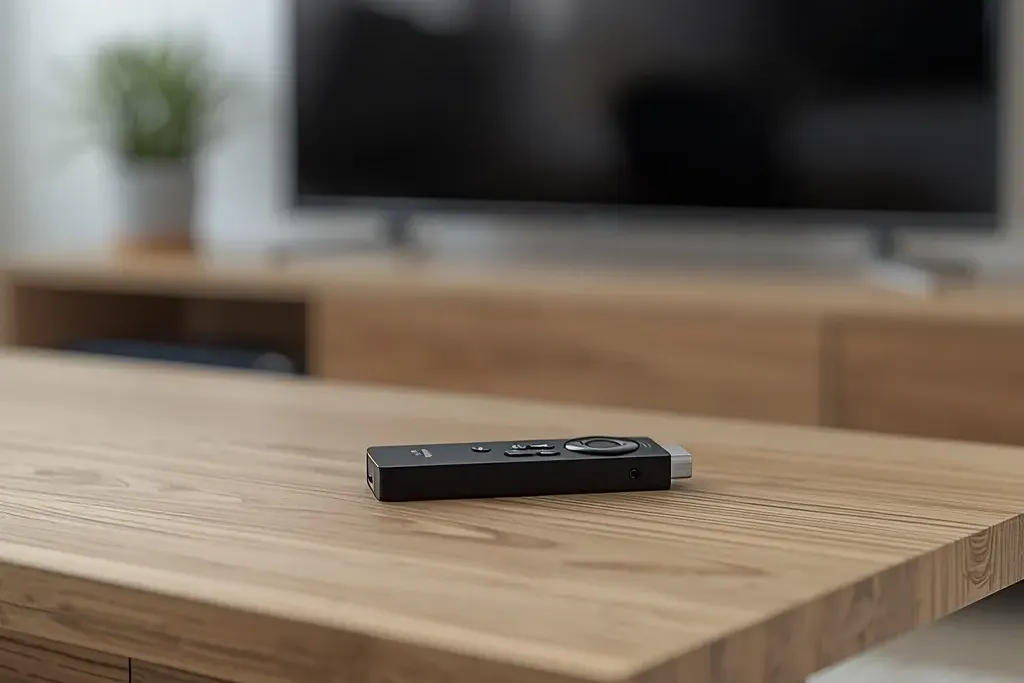
Firestick tips for a smooth picture
Pick a 4K model
For a 4K TV, a current 4K stick decodes high-bitrate sports far more smoothly than the base model.
Add Ethernet
Amazon’s Ethernet adapter removes most buffering in homes with weak Wi-Fi at the TV.
Use the power brick
Powering the stick from the TV’s USB port causes random restarts. Use the supplied adapter.
One login, many sticks
Install on every stick in the house; your plan sets how many can play at once.
Firestick IPTV questions
Does EagleCast TV work on a Firestick?
Yes. The Firestick is the most popular device among our subscribers. You install the player with the free Downloader app and sign in with the login we send you.
Is it hard to install IPTV on a Firestick?
No. It takes about 10 minutes and five steps, and our support team can guide you live on WhatsApp if you get stuck.
Which Firestick is best for IPTV?
A current 4K model if your TV is 4K; the base model is fine for a 1080p TV. More memory and Wi-Fi 6 help with fast channel switching and stability.
Why does my Firestick buffer?
Usually because of weak Wi-Fi at the TV, a full app cache or an overloaded connection. Try Ethernet, clear the cache and restart the router first.
Other devices are in the setup guide. Still buffering? Read 9 IPTV buffering fixes.
Try EagleCast TV free for 24 hours
No credit card, no commitment. Check your local channels, your team and the picture quality on your own TV first.