How to Watch IPTV on a Samsung or LG Smart TV
No extra box needed on most recent Samsung and LG TVs. Here is how.
The cheapest way to turn any TV into an IPTV TV, in five steps.
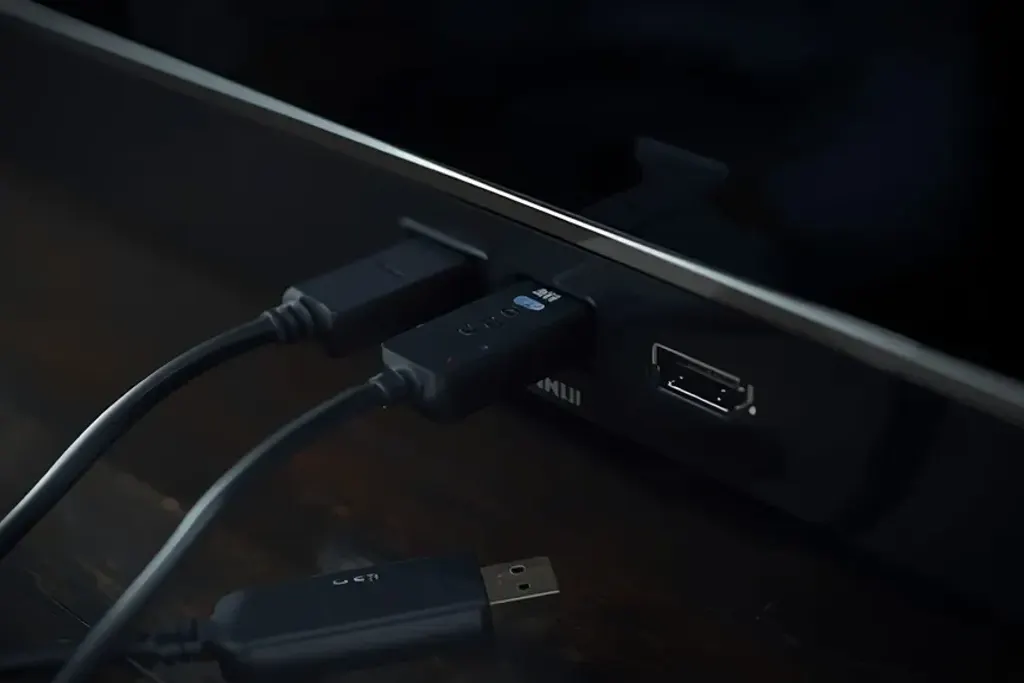
Installing IPTV on a Firestick takes about 10 minutes: you allow apps from unknown sources, install the free Downloader app, use it to install an IPTV player, then sign in with the login we send you. The Amazon Fire TV Stick plugs into any HDMI port, so it is also the cheapest way to make an older TV IPTV-ready.
For a 4K TV, pick a current 4K model; for a 1080p TV, the base model is enough. Amazon lists the hardware of every model on its Fire TV device specifications page. If the TV sits far from your router, a Wi-Fi 6 model or Amazon's Ethernet adapter makes a bigger difference than any setting, because almost every case of buffering we see on a stick starts with a weak Wi-Fi signal.
Search for "Downloader" in the Amazon Appstore and install it. It is a free app that downloads an Android app from a link or short code. Amazon documents the sideloading process in its developer guide to installing apps on Fire TV.
Yes, as long as your plan has enough connections: a 2-connection plan lets two sticks play at the same time. Compare the options on our IPTV plans page, or read our full IPTV for Firestick page for remotes, storage and troubleshooting tips.
No login yet? Ask for a free 24-hour trial and we'll walk you through the install on WhatsApp. If you're still deciding whether internet TV is right for you, start with what IPTV is and how it works.
No extra box needed on most recent Samsung and LG TVs. Here is how.
Nine checks, from the 30-second ones to the router settings, in the order we use them.
HD, Full HD and 4K bandwidth per screen, and how to size it for a whole house.
Internet TV in plain English: how it works and what you need at home.
No credit card, no commitment. Check your local channels, your team and the picture quality on your own TV first.